
Journal
Device Model Labels: Model Numbers, Series & SKUs
Nov
Understanding Device Model Labels: Series Names, Specifications and Product Codes
Purpose and scope. This guide explains how to read identification information printed on an electronic device, its packaging or its documentation. It is a neutral reference for distinguishing a brand, product series, exact model, product code, SKU and serial number. It does not assess a particular product, confirm that a device is genuine, or recommend a product. The exact meaning and placement of label fields varies between manufacturers and product categories.
Brand, series, model and SKU: four different levels
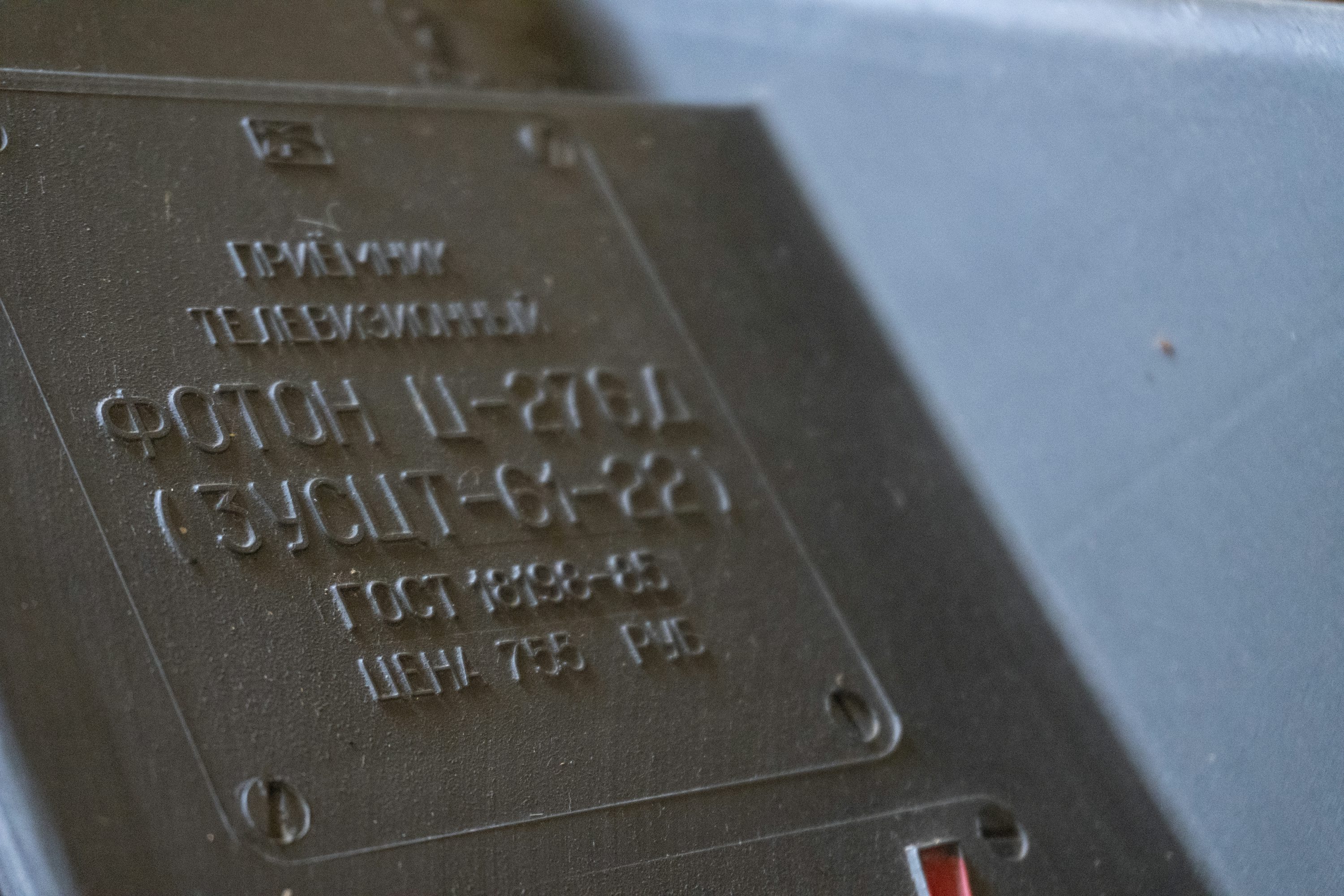
Product descriptions often place several identity terms beside one another. They are related, but they are not interchangeable. A brand identifies the organisation or commercial identity associated with a product. A series is a family of related products grouped by the manufacturer. A model identifies a more specific design or configuration within that family. A stock keeping unit, or SKU, is generally an inventory identifier used by a seller or distributor to distinguish an item or sellable configuration.
For example, a manufacturer might organise a fictional product as Brand North, Series N, Model N-240, with separate SKUs for different colours or regional packages. The example is invented to explain the hierarchy; it is not a real product code or a claim about any manufacturer. Another manufacturer may use “series” and “model” differently, or omit one of those fields entirely. Always read the manufacturer’s own terminology before interpreting a code.
| Term | What it usually identifies | What it does not automatically prove |
|---|---|---|
| Brand | The product brand or brand owner named in official material | The factory, legal manufacturer or place of manufacture |
| Series | A family of related models or generations | That every model in the family has identical hardware |
| Model / model number | A defined product design or configuration | The identity of one individual physical unit |
| Product code / part number | A manufacturer-defined product, part or configuration reference | That it is the same as a retailer SKU |
| SKU | An inventory or sellable-item identifier used by a seller or system | A universal manufacturer identifier |
| Serial number | A unique identifier assigned to an individual unit, where used | A public model name or complete specification |
The Australian Communications and Media Authority explains that model or product numbers are commonly found on original packaging, a physical label on the device, or within a device’s settings. Its practical guide is written for televisions, but the identification principle is useful more broadly: ACMA: Finding your TV’s model/product number and serial number.
Video: locating a model and serial number
The following manufacturer support video demonstrates one device-specific approach to finding model, product and serial identifiers. It is an example of a label-location process, not a universal instruction for every product.
How to distinguish a model number from a serial number
A model number normally identifies a product type shared by multiple units. A serial number, when assigned, distinguishes one particular unit from other units of the same model. Manufacturer support material makes this distinction explicit. For example, RYOBI Support Australia describes the product code or model number as common to units of the same model, while a serial number is unique to an individual product: RYOBI Australia: How to find your product serial number.
Labels may use abbreviations such as “Model”, “Model No.”, “M/N”, “P/N”, “Part No.”, “Product”, “S/N” or “Serial No.”. Do not assume that an unfamiliar abbreviation has a universal meaning. “P/N” often means part number, but a manufacturer may use a different convention. If two codes appear close together, read the field label directly above or beside each code rather than identifying the longest sequence as the serial number by default.
Do not publish a full serial number, IMEI, device identifier or private QR-code contents in a public post or screenshot. Such identifiers can be linked to an individual unit or account. For public questions, a model number and relevant suffix are usually enough. Provide serial-specific information only through the manufacturer’s official private support channel when it is genuinely required.
Where to find the model and product code
Start with the least intrusive source. Check the original packaging, the printed manual, the product information sheet and the manufacturer’s support page. If the device has an accessible external rating plate or label, compare the printed model field with the packaging. On devices with a screen or settings menu, look under a menu such as “About”, “Device information”, “System information” or “Support”. The exact menu path depends on the manufacturer and software version.
Labels may be placed on the underside, rear panel, side edge, battery compartment, removable service cover, stand, or a supplied accessory. ACMA lists the packaging, physical label and settings menu as common places to look. Sony’s Australian support guide similarly explains that model and serial information may be found on the product sticker, original packaging or system information screen: Sony Australia: Finding a BRAVIA model name and serial number.
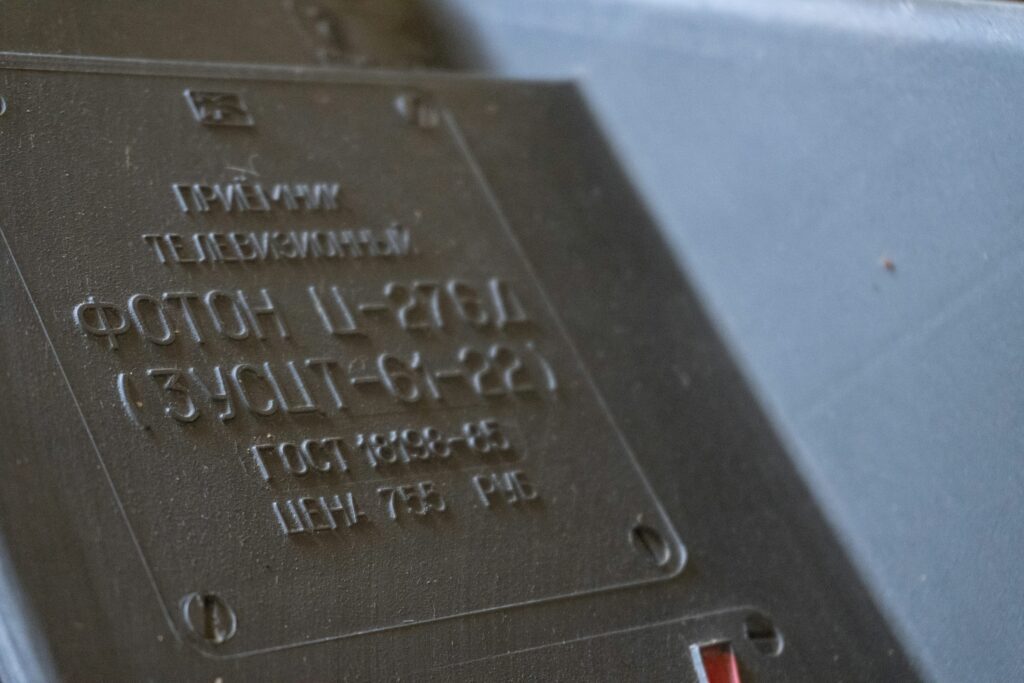
Do not dismantle a sealed device, remove a battery, break a warranty seal or open an enclosure just to find an identifier. If a label is inaccessible, use the official manual or contact the manufacturer. Photograph the entire label before zooming into a crop: context helps distinguish a model code from a batch, date or certification reference.
How to verify a model version or revision
A model family can contain multiple revisions, regional variants or production runs. A suffix after the main model code may be significant. It can identify a region, colour, hardware revision, package configuration, power arrangement or a later generation. However, there is no universal code grammar. A final letter does not always mean “newer”, and a larger number does not always mean a higher specification.
Use a repeatable verification sequence:
- Transcribe the complete model field exactly, including hyphens, spaces, slashes and suffixes.
- Record the manufacturer or brand printed on the label, without assuming that a distributor is the manufacturer.
- Compare the code with the manufacturer’s official product page, support database or manual for the relevant market.
- Check whether the document describes the exact suffix or only a broader family.
- Compare visible hardware, ports, dimensions and rating information with the document, where those details are available.
- Record the document title, revision or publication date and the date you checked it.
Where the manufacturer publishes a model-code explanation, follow that explanation. Where it does not, do not reverse-engineer the code from an online forum or assume that a suffix has the same meaning across brands. A retailer’s internal catalogue code may identify a package that the manufacturer does not treat as a separate model.
Battery, display and status labels: what can be read safely
Technical labels may include battery chemistry, nominal voltage, capacity, watt-hours, input ratings, display type, screen size, firmware version, date code, lot number or status wording. These fields have different purposes. A battery marking such as “Li-ion” indicates a lithium-ion chemistry family; it does not by itself establish the exact cell design, usable capacity, remaining service life or safe charging conditions. A voltage figure is not the same as an energy figure. If watt-hours are printed, they express nominal energy; if only voltage and amp-hours are provided, a calculation may estimate nominal energy, but it should not replace the manufacturer’s stated rating.
Likewise, a display label may identify a screen technology, size or module code, but it does not prove brightness, colour accuracy, refresh rate or performance unless those specifications are stated and supported by a suitable technical document. A status word such as “new”, “refurbished”, “sample”, “prototype”, “revised” or “replacement” must be interpreted in the manufacturer’s own documentation. It may describe a unit’s lifecycle or a particular production state rather than a new model generation.
Regulatory marks and certification references should also be read carefully. A printed symbol or registration number is a lead for verification, not a substitute for checking the relevant regulator’s or certification body’s database. The mark may apply to a component, radio module, power supply or specific market configuration. Do not infer that every configuration in a product family has the same approvals.
Product code, barcode and SKU are not interchangeable
A barcode is a machine-readable representation of data. The digits printed beneath it may represent a trade item number, a product code, a serialised identifier or a logistics unit, depending on the barcode type and the data structure. Scanning a barcode can retrieve a record, but it does not independently verify that the physical item matches the record. The record must be checked against an authoritative source.
A SKU is often assigned by a retailer, wholesaler or inventory system. One manufacturer model can have several SKUs because of packaging, colour, bundle contents, regional language inserts or sales-channel differences. Conversely, a seller may use one SKU for a kit containing multiple components. This is why a SKU should not be treated as a universal model identifier. When comparing documents, record both the manufacturer model or part number and the seller SKU, and label each field accurately.
How to resolve conflicting product information
Conflicting specifications are common when a product page, package, manual and third-party catalogue have been updated at different times. The first step is to determine whether the sources describe the same model suffix and market. A manual for Model N-240A may not apply to Model N-240B. A regional variant may have a different power adapter or radio configuration even if the family name is identical.
Use a source hierarchy rather than averaging conflicting values. Start with a current manufacturer specification sheet or official support record for the exact model and region. Next, consult the product label and original packaging. Then check the manual, technical bulletin, recall notice or regulatory database where relevant. Retailer listings and marketplace descriptions can help identify a discrepancy, but they should not override primary documentation without corroboration.
If two official sources still conflict, preserve the conflict. Record the exact value, source, revision date and model variant for each. Contact the manufacturer or responsible organisation and request written clarification. Until resolved, describe the specification as unverified rather than selecting the more favourable or more recent-looking number. Do not silently replace a conflicting value in a public information record.
| Conflict | What to check | Responsible treatment |
|---|---|---|
| Different model suffixes | Full label and regional model list | Treat as separate variants until documented otherwise |
| Label differs from web page | Revision date, serial range and market | Retain both references and seek manufacturer clarification |
| SKU differs from model code | Seller inventory mapping and package contents | Record each identifier in its own field |
| Battery capacity differs | Units, nominal vs rated capacity, cell configuration | Do not convert or select a value without technical basis |
| Display specification differs | Panel version, firmware and regional variant | Mark the disputed field unverified |
Official documentation verification checklist
Before relying on a specification, check the following points and keep a record of the evidence:
- Does the document name the exact manufacturer, brand and complete model code?
- Does it include the relevant suffix, revision, region or production range?
- Is the document hosted by the manufacturer or an authorised standards or regulator source?
- Is the publication or revision date visible, and is it current for the question being answered?
- Do the units make sense, and are nominal, typical, maximum and minimum values distinguished?
- Does the document refer to the complete device or only a battery, display, charger or other component?
- Can a second primary source corroborate any safety-critical or regulatory statement?
- Have private serial numbers and account-linked identifiers been removed from public examples?
For model identification in Australia, ACMA’s guide provides a useful starting point for finding model and product numbers. For manufacturer-specific interpretation, use the relevant support portal rather than a generic code-decoder website. If the label is damaged or unreadable, do not guess a character. A single character can point to a different revision or product family.
Frequently asked questions
Is a model number the same as a product code?
Not always. Some manufacturers use the terms interchangeably, while others use a product code or part number for a particular component or configuration. Check the field definition in the manufacturer’s documentation.
Is a SKU unique to the physical device?
Usually not. A SKU is commonly an inventory identifier for a sellable item or configuration. A serial number, where assigned, is the identifier intended to distinguish an individual unit.
Can a serial number tell me the model?
Sometimes a manufacturer’s private support system can use a serial number to retrieve a model and production record. The serial number format itself is not a universal decoder, and its segments should not be interpreted without the manufacturer’s explanation.
Does a newer-looking suffix mean a newer version?
No universal rule exists. A suffix can represent region, colour, package, hardware revision or another internal distinction. Verify it against an official model list or specification document.
Does a label prove a product is genuine?
No. Labels can be copied, altered or applied to packaging that does not match the item. Authentication requires the manufacturer’s verification process and, where relevant, supply-chain or regulatory records.
What if the label and manual disagree?
Check the exact model suffix, market and document revision. Keep the discrepancy visible and ask the manufacturer for written clarification. Do not assume the manual is correct merely because it is longer, or the label is correct merely because it is physically attached.
Should I share a photo of the full label online?
Only after removing serial numbers, IMEI values, QR-code contents, addresses and other unit-specific or personal identifiers. A public question usually needs the model code, not a unique serial number.
Related public information
Battery identification and disposal are separate questions from product model identification. If a device contains a battery, use the relevant state or territory guidance rather than assuming the model label alone determines the correct disposal route. See the companion guide: Battery Disposal Basics in Australia: State and Territory Guidance.
Editorial note: This article is general identification information. It is not a certification, authenticity assessment, engineering opinion or substitute for manufacturer documentation.
